


OEM Partners / ZKTeco Atlas
One Atlas System. Wired Perimeter, Wireless Interior.
NO APP · NO WIRE RUN · NO MIDDLEWARE
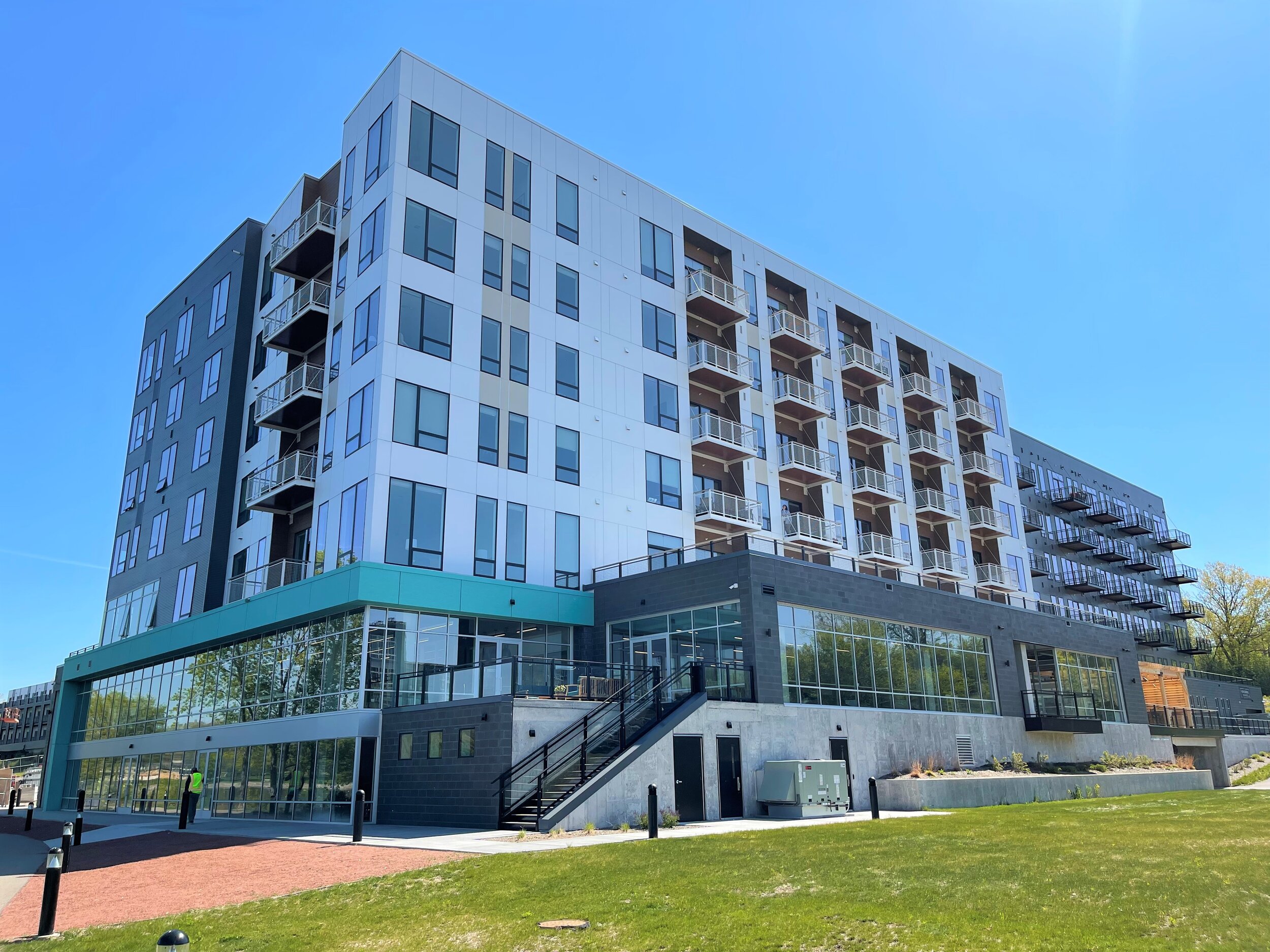
Assisted living, student housing, and multifamily projects often call for dozens of credentialed interior doors where pulling cable is impractical or too expensive. Wireless-lock support has become a standard requirement on residential, campus, and senior-living specifications.
With native PDQ Spirit support, Atlas treats each wireless lock as a built-in device type, connected over OSDP v2.2 secure channel. Hardwired readers secure the perimeter, PDQ Spirit locks secure the interior, and everything is managed from one Atlas web application, with one user database and one audit trail. Add AtlasCloud when you want remote management.

How PDQ Spirit Connects to Atlas
Each PDQ Spirit lock talks to a Spirit Hub over Bluetooth Low Energy. The hub sits on the site network and presents every lock to the Atlas panel over OSDP v2.2, where it appears as a native sub-controller. Hub and panel talk over the local network, so doors keep working if the cloud is down. AtlasCloud is optional.
Built for the Way Integrators Work
No App
Locks are commissioned over BLE from the hub's own web interface. Nothing to download to a phone and no separate lock-management account.
No Wire Run
No cable to the door. Locks talk wirelessly to a hub powered by PoE or 12 to 24 VDC. Ideal for retrofits, finished walls, and interior suites.
No Middleware
PDQ Spirit/OSDP is a built-in Atlas device type. Enter a name, the hub IP and port, and an OSDP address. No gateway server or third-party software.
Local-First
Hub-to-panel traffic runs on the site network, so wireless doors keep working when the internet or cloud connection is down.
OSDP Secure Channel
OSDP v2.2 with a custom Secure Channel Base Key (SCBK) installed and transferred from Atlas.
One System
Wired readers and wireless locks share one user database and one event log in Atlas.
No App
Locks are commissioned over BLE from the hub's own web interface. Nothing to download to a phone and no separate lock-management account.
No Wire Run
No cable to the door. Locks talk wirelessly to a hub powered by PoE or 12 to 24 VDC. Ideal for retrofits, finished walls, and interior suites.
No Middleware
PDQ Spirit/OSDP is a built-in Atlas device type. Enter a name, the hub IP and port, and an OSDP address. No gateway server or third-party software.
Local-First
Hub-to-panel traffic runs on the site network, so wireless doors keep working when the internet or cloud connection is down.
OSDP Secure Channel
OSDP v2.2 with a custom Secure Channel Base Key (SCBK) installed and transferred from Atlas.
One System
Wired readers and wireless locks share one user database and one event log in Atlas.
Built for Doors Where Wire Can't Go
Assisted Living
Healthcare SolutionsStudent Housing and Dorms
Education SolutionsMultifamily Residential
Multifamily SolutionsOffices and Retrofits
Commercial SolutionsCommissioned From a Browser. Live in Minutes.
No phone app, no extra software. Here is the whole path from box to working door.
1: WAKE IT
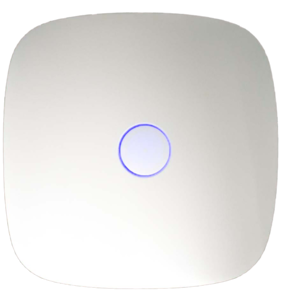
Press the button on top of the Spirit Hub. A flashing LED ring opens a configuration session.
2: CONNECT IT
Put the hub on the site network over PoE Ethernet or Wi-Fi from its web interface.
3: CLAIM IT
On the hub's Devices tab, select a discovered lock, assign a unique OSDP address, and click Connect.
4: ADD IT
In Atlas, go to Config > Hardware > Modify > Add PDQ Spirit/OSDP. Enter a name, the hub IP and port, and the OSDP address. The lock is live.
1: WAKE IT
Press the button on top of the Spirit Hub. A flashing LED ring opens a configuration session.
2: CONNECT IT
Put the hub on the site network over PoE Ethernet or Wi-Fi from its web interface.
3: CLAIM IT
On the hub's Devices tab, select a discovered lock, assign a unique OSDP address, and click Connect.
4: ADD IT
In Atlas, go to Config > Hardware > Modify > Add PDQ Spirit/OSDP. Enter a name, the hub IP and port, and the OSDP address. The lock is live.
Installer? Get the full Spirit Hub Quick Start Guide for Atlas. Get the Quick Start Guide
Specifications
|
Spec |
Detail |
|---|---|
|
Hub |
PDQ Spirit Hub, P/N SP90048 |
|
Supported locks |
All PDQ Spirit wireless locks (see Spirit Series) |
|
Lock radio |
Bluetooth Low Energy (BLE 4.2), lock to hub |
|
Hub network |
Wi-Fi or Ethernet; DHCP, Local (OSDP-over-TCP), or Static IP |
|
Hub power |
PoE or 12 to 24 VDC |
|
Panel protocol |
OSDP v2.2 over TCP (default port 10001); RS-485 also supported |
|
Security |
OSDP Secure Channel; custom SCBK installed and transferred from Atlas |
|
Capacity |
Up to 8 locks per hub on Ethernet, 2 on Wi-Fi; up to 50 wireless locks per Atlas panel |
|
Atlas firmware |
ATLAS 4.3.6 or newer (native PDQ Spirit/OSDP device type) |
|
Atlas panels |
Atlas1, Atlas2, Atlas4 and -PS configurations; Atlas Kits |
|
Commissioning |
Hub web interface; no mobile app required |
|
Door inputs |
Door position and REX configurable per sub-controller, where the lock supports them |
|
Deployment |
Ethernet with PoE recommended for full 8-lock hub capacity; reserve a fixed IP for each hub |
Specifications subject to change without notice. Atlas is a product of ZKTeco USA. Download the Spec Sheet (PDF)
FAQs
Do I need the PDQ Spirit app to set up locks on Atlas?
No. Locks are commissioned over BLE from the Spirit Hub's built-in web interface. Nothing is installed on a phone.
Which version of Atlas do I need?
ATLAS 4.3.6 or newer. Earlier versions do not include the PDQ Spirit/OSDP device type.
How many wireless locks can I connect?
Up to 50 wireless locks per Atlas panel. Each Spirit Hub supports up to 8 locks over Ethernet or 2 over Wi-Fi, so Ethernet with PoE is the best fit for higher door counts.
Do the locks keep working if the internet goes down?
Yes. The hub and the Atlas panel communicate over the local site network, so access decisions do not depend on the cloud.
How is the connection secured?
The hub supports OSDP v2.2 Secure Channel. Each lock starts on the default install key; you transfer a custom Secure Channel Base Key (SCBK) from Atlas before the site goes into production.
How does the hub connect to the network?
Over Wi-Fi or Ethernet, using DHCP, a static IP, or Local (OSDP-over-TCP) mode for a direct cable run to the panel. We recommend reserving a fixed IP for each hub.
Can I use AtlasCloud with PDQ Spirit locks?
Yes, optionally. AtlasCloud adds remote management, encrypted backup, and automatic firmware updates. It is not required.
Are locks that were set up with the Spirit app supported?
The hub shows them for reference only. Delete the lock from the Spirit app first, then claim it from the hub's web interface.
Compete on Every Wireless-Lock Bid
Pair PDQ Spirit with an Atlas Kit for the fastest path from quote to working system. Atlas brings a local-first Hybrid Cloud architecture, no mandatory subscription fees, NDAA compliance, and a Lifetime Warranty with AtlasCloud.*
- Atlas Kit for the perimeter: panel, cabinet, power supply, readers, and credentials in one pre-tested SKU.
- PDQ Spirit for the interior: add Spirit Hubs and wireless locks for the doors you can't wire.
- One Atlas system: one user database, one event log, optional AtlasCloud.
*Atlas Lifetime Warranty covers eligible Atlas hardware while an AtlasCloud subscription is active. Terms and conditions apply. See atlascloud.io.